
Download Saezuri – Free, Secure Twitter Desktop Client for Windows & macOS
Overview – Why Saezuri Stands Out Among Twitter Desktop Apps
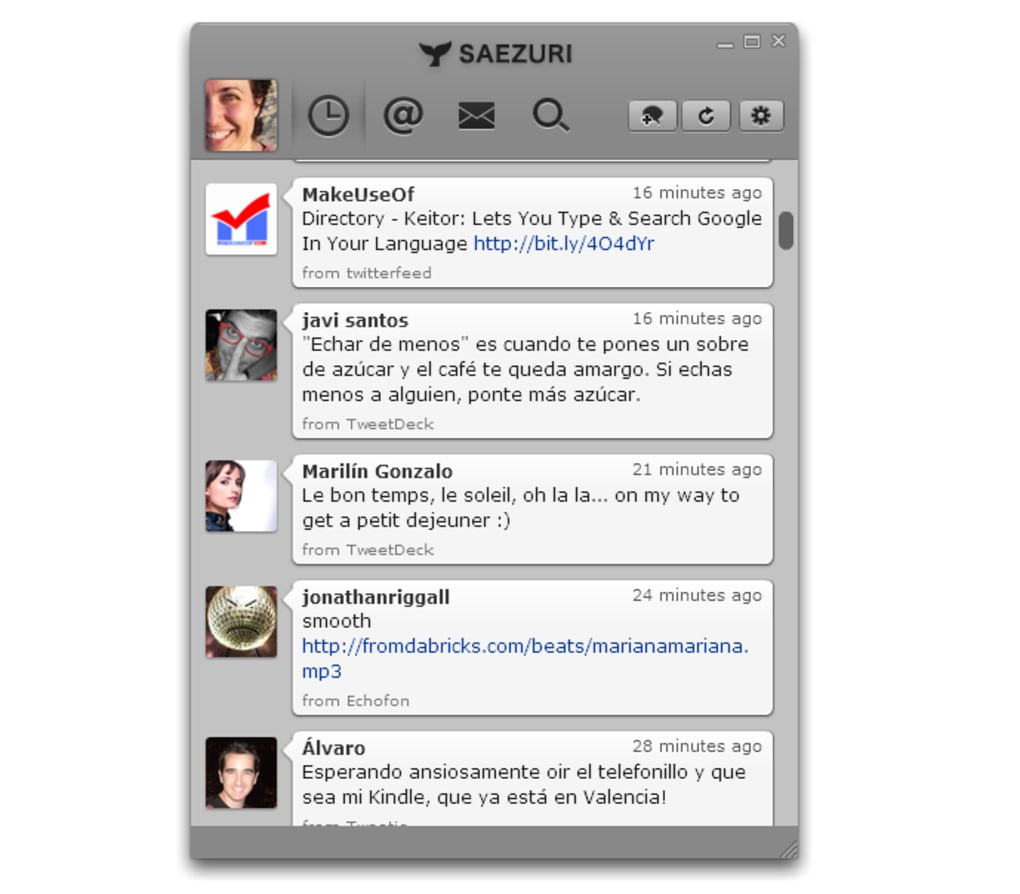
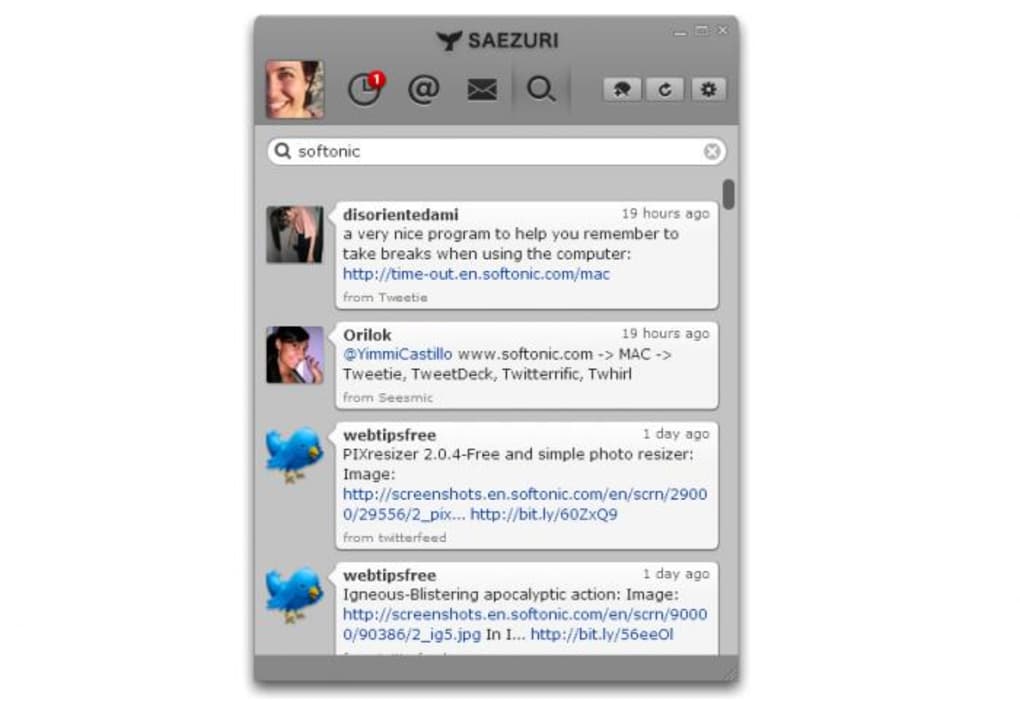
Saezuri is an Adobe AIR‑based Twitter desktop client that brings the full power of the world’s most popular micro‑blogging platform right to your computer. Instead of launching a browser, logging in, and waiting for the web interface to load, Saezuri lets you stay connected to your timelines, mentions, direct messages and more with a single click. The application is lightweight, visually appealing, and designed for power users who want fast, reliable access to Twitter without the distractions of ads or browser extensions.
Its interface is organized into a clean, two‑pane layout where your streams are displayed on the left and a tweet composer sits on the right. Saezuri supports multiple accounts, so you can manage personal, professional, or brand accounts from one place. Built‑in URL shortener tools, photo attachment support, and customizable notification settings make real‑time engagement effortless.
While it currently lacks native support for Twitter Lists, the client compensates with advanced filtering options that let you hide unwanted words or temporarily mute specific hashtags. Overall, Saezuri offers a robust set of features that turn your desktop into a dedicated Twitter hub, improving productivity and making the tweeting experience more enjoyable.
Core Features & Customization Options
- Multiple account management – switch between profiles without re‑login.
- Real‑time timeline updates – configurable refresh intervals.
- Integrated tweet composer with photo upload and URL shortening.
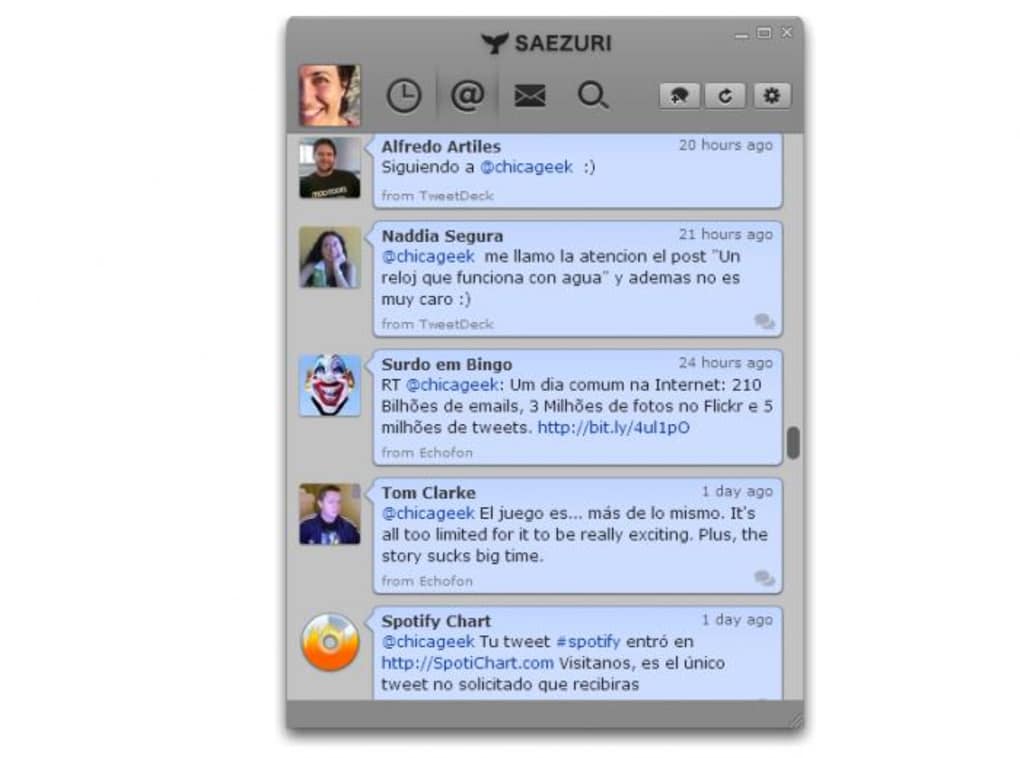
- Direct messages and reply tracking in a single view.
- Custom notification system – sound, pop‑up, or tray alerts.
- Skin support – choose from several visual themes or create your own.
- Word and hashtag filters – block unwanted content or set temporary hashtags.
- Desktop shortcuts for quick tweet posting.
- Offline cache – view previously loaded tweets without an active connection.
- Secure login – stores credentials encrypted within the AIR sandbox.
Beyond the listed capabilities, Saezuri’s most compelling strength is its deep level of personalization. Users can define the time interval for checking new tweets—ranging from 30 seconds to several minutes—balancing immediacy with bandwidth usage. Notification preferences let you decide whether a new mention triggers a sound, a desktop toast, or simply highlights the entry in the timeline.
The skin system leverages CSS‑like styling, allowing enthusiasts to craft a unique look that matches their desktop theme. Filters operate on both content and timing, meaning you can automatically hide promotional hashtags during work hours and re‑enable them later. This granular control makes Saezuri a versatile tool for journalists, marketers, and casual tweeters alike.
Installation, Setup & Compatibility Details
Getting Saezuri up and running is straightforward. First, ensure that the Adobe AIR runtime is installed on your machine; the installer will prompt you to download it if it’s missing. Once AIR is present, download the Saezuri installer from the official website. The file is a single .air package, roughly 12 MB in size, and is signed with a valid certificate to guarantee a secure installation.
Run the installer, accept the license agreement, and follow the on‑screen prompts. The setup wizard asks you to choose an installation directory (default is C:\Program Files\Saezuri on Windows or /Applications/Saezuri.app on macOS). After installation, launch the application from the desktop shortcut or start menu. The first launch opens a configuration window where you can add your Twitter credentials via OAuth—no password is stored locally, only an access token.
Saezuri is compatible with Windows 7, 8, 10, 11 (both 32‑bit and 64‑bit) and macOS 10.12 Sierra and later. Because it relies on the cross‑platform AIR runtime, the same installer works across both operating systems without modification. Mobile users on Android or iOS cannot run Saezuri directly, but the desktop client syncs seamlessly with mobile Twitter apps, ensuring a consistent experience across devices.
After logging in, you’ll be presented with the main interface. Here you can add additional accounts by clicking the “+” icon in the account pane, configure refresh intervals under Settings → Updates, and choose a skin from the Appearance menu. The initial setup takes under five minutes, after which you’ll have a fully functional Twitter client ready for daily use.
Pros, Cons & Frequently Asked Questions
Pros
- Fast, lightweight desktop experience without browser overhead.
- Supports multiple Twitter accounts simultaneously.
- Highly customizable refresh rates, notifications, and UI skins.
- Built‑in URL shortener and photo attachment simplify tweeting.
- Secure OAuth login, no plain‑text passwords stored.
- Free to download and use, with regular updates via AIR.
Cons
- Missing native support for Twitter Lists (workaround via filters).
- Requires Adobe AIR runtime, adding an extra dependency.
- Limited to Windows and macOS; no native mobile version.
- Interface may feel dated compared to newer Electron‑based clients.
- Occasional API rate‑limit warnings during aggressive refresh intervals.
Frequently Asked Questions
Is Saezuri completely free or does it have hidden costs?
Saezuri is 100 % free to download and use. There are no hidden subscription fees or in‑app purchases. The developers may accept donations, but the core features remain fully functional without payment.
Do I need an Adobe AIR account to install Saezuri?
No separate account is required. The installer automatically checks for the latest Adobe AIR runtime and prompts you to download it if it’s not already present on your system.
Can Saezuri handle more than one Twitter account at once?
Yes. Saezuri’s multi‑account manager lets you add, switch, and tweet from any number of accounts without logging out, making it ideal for social‑media managers and power users.
How does Saezuri protect my login credentials?
Saezuri uses Twitter’s OAuth protocol, which means your password never touches the application. An encrypted access token is stored securely within the AIR sandbox, ensuring your credentials remain private.
Will Saezuri still receive updates after Twitter’s API changes?
The development team monitors Twitter API announcements and releases patches when needed. While no guarantee can be made, the client has a history of timely updates to maintain compatibility.
Conclusion – Should You Download Saezuri Today?
Saezuri delivers a compelling mix of speed, functionality, and customization that many Twitter power users crave. Its ability to run directly on Windows and macOS without a browser, combined with secure OAuth authentication and a feature‑rich interface, makes it a strong alternative to both the official web client and newer desktop apps. While the lack of native List support and the requirement for Adobe AIR may deter some, the overall value—especially for those managing multiple accounts or needing granular notification control—is significant. If you spend a considerable amount of time on Twitter and want a distraction‑free, desktop‑centric workflow, Saezuri is worth a try.
Ready to streamline your Twitter experience? Download Saezuri now for free, install the tiny AIR runtime, and enjoy a faster, more personalized way to tweet, reply, and stay connected—all from your desktop.
Overall Rating: 4/5 – A solid, free desktop client with excellent customization, minor drawbacks in list support.







